
CollarID: Overview and SetupUpdated 2 months ago
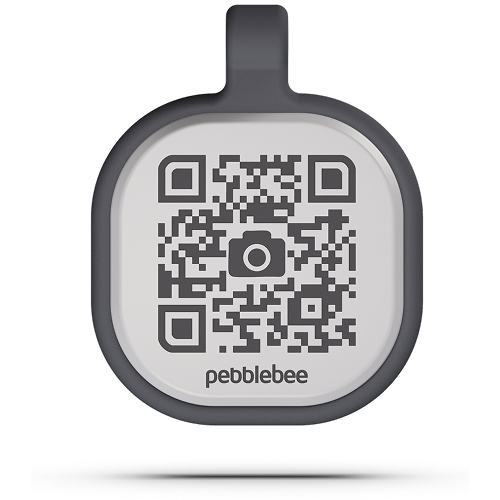 CollarID attaches comfortably to your pet's preferred item (like a leash or a collar) and stays put through everyday life. One side gives you space to write your pet’s name for quick visual identification. On the other, a QR code connects to Pebblebee’s Link ecosystem, allowing anyone who finds your pet to scan and securely contact you—without exposing your personal phone number or address.
Product Dimensions: 44 mm (H) × 32 mm (W) × 8 mm (D)
Packaging Dimensions: 138.3 mm (H) × 94.62 mm (W) × 34 mm (D)
Product Weight: .25 oz or 7.22 grams
Battery: None (battery-free)
Water Resistance: Waterproof
Warranty: 1 year
Requirements: Pebblebee app required for setup and profile management
Compatibility: iOS 16.0+ and Android 9+
How Do I Set Up a New CollarID
Open the Pebblebee App (available for iOS and Android).
Tap the + (plus) icon.
Select Claim Link/CollarID.
Scan the QR code on your CollarID.
Follow the prompts to complete setup.
Attach your CollarID to any pet you want to protect and make easier to recover.
Disclaimer- This is a reactive tracking item. It does not provide real-time location updates and relies on a person scanning the QR code to share the item's location.